Terracotta arches, Marrakech
Image
Describes your images
“A terracotta archway framing a smaller dark arch, under a pale sun.”
Written on your computer, so you can search pictures by what's in them.
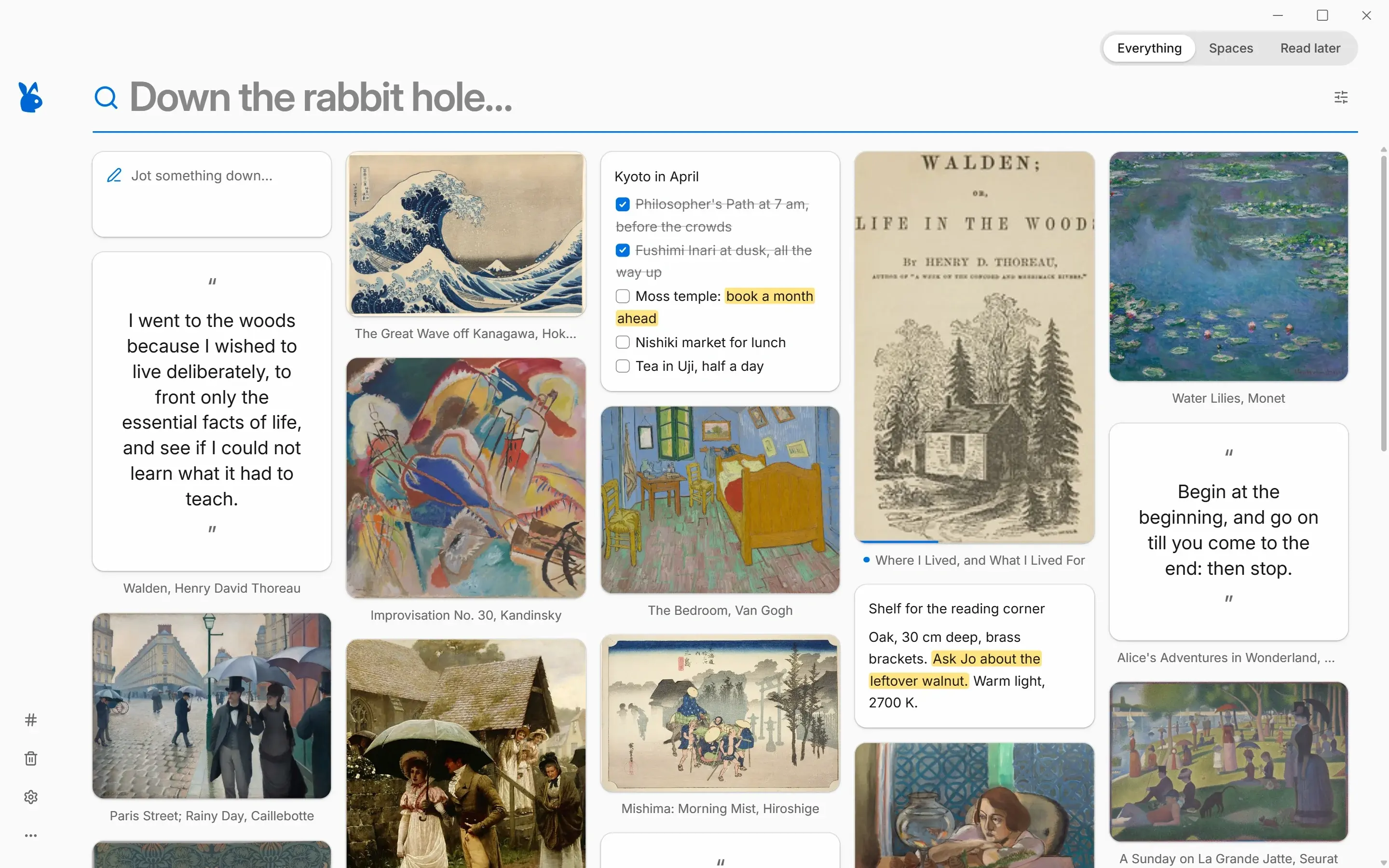
Save bookmarks, articles, images, quotes and notes in one click. rabbitmind keeps them on your computer, ready to read offline, and finds them by meaning with AI that never leaves your device.
Free · v0.9.1 · Windows 10 and 11 · 11.5 MB
Moving in? rabbitmind imports your library from
Save in one click
Click the rabbit in Chrome and the page is saved, full article included, ready to read offline. Right-click to keep just a quote, an image or a link. Add a note or a tag before the card slips away, or don't: rabbitmind suggests tags from your own library.
Essay · 7 min read
The art of doing nothing
Saved to rabbitmind
Found by meaning, on this computer. No words in common, nothing uploaded.
Search by meaning
You remember the feeling, not the title. Ask for “ideas for a tiny cabin” and rabbitmind finds the floor plans, the photo and the article, even when those words appear nowhere in them. The AI runs on your own processor, so it works offline and nothing you save is ever uploaded.
Terracotta arches, Marrakech
Image
“A terracotta archway framing a smaller dark arch, under a pale sun.”
Written on your computer, so you can search pictures by what's in them.
The Long Read · 9 min
How to build a reading habit that actually lasts
Key points for any saved article, in a few seconds, offline.
Screenshot · whiteboard.png
Q3 goals: launch beta, hire designer,
user interviews every Friday
The words in screenshots and photos become searchable, with Windows' built-in text recognition.
Private by design
No account to create, no server to trust, nothing that can be shut down on you. rabbitmind is an app on your computer, and your library is a folder you own.
Read, search and organize without a connection. The AI runs on your machine too.
Every save is a Markdown file in a folder you choose. Open it in any editor, sync it with OneDrive, Dropbox or Google Drive, back it up your way.
No sign-up, no analytics, no ads. What you save never reaches us, because there's no server in the middle.
And the details
Distraction-free reading in a beautiful serif. Highlight what matters, add notes, export your highlights to Markdown.
Remember it was orange? Click orange.
Your library is already plain files. An HTML export covers everything else.
Checkboxes, highlights, headings, tables and pictures. Type [ ] and it becomes a to-do.
Saved posts keep their text, pictures and video, and still show when you're offline.
Start from any save and follow what's related, one level deeper at a time.
Have any article read aloud with your computer's own voices.
A reading queue that remembers where you stopped.
Search the words inside screenshots, receipts and photos of whiteboards.
Drop in a PDF and it gets a cover and fully searchable text.
Collections for projects, trips and moods, filled by hand or by a filter.
Tag ideas from your own library, and rules that sort new saves for you.
Finds saved pages that vanished from the web.
Save the same page twice and rabbitmind notices.
Ctrl+K for everything, a shortcut for the rest.
Make it yours
Each one recolors everything and is checked for comfortable contrast. Kraft and Newsprint have real paper texture; Blueprint, Chalkboard and Gruvbox are kind to tired eyes.
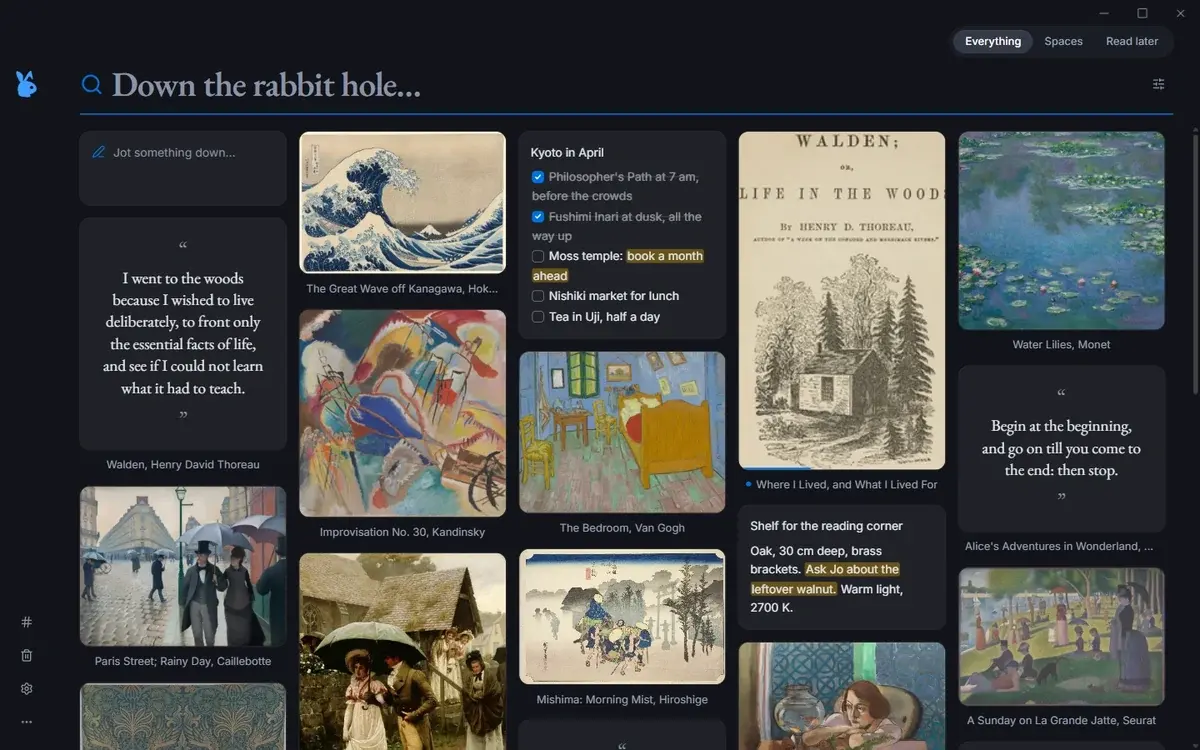
Glass
Clean like a Mac app, light or ink dark
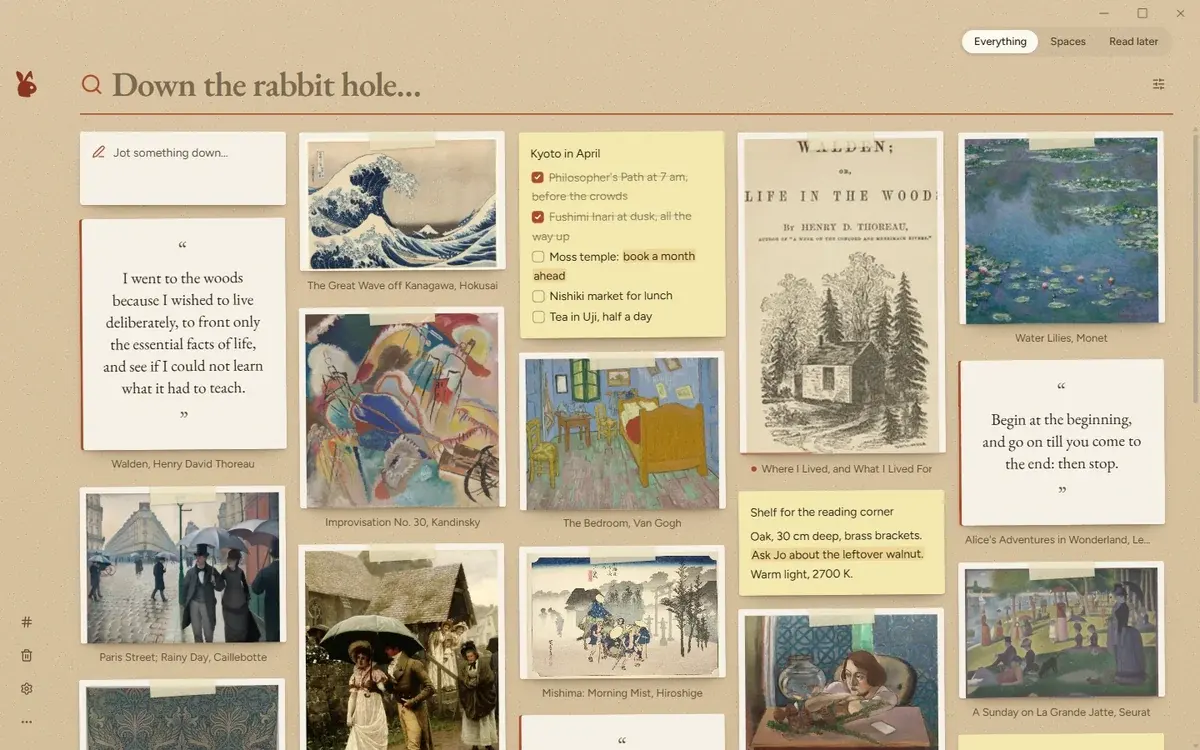
Kraft
Paper cards taped to cardboard
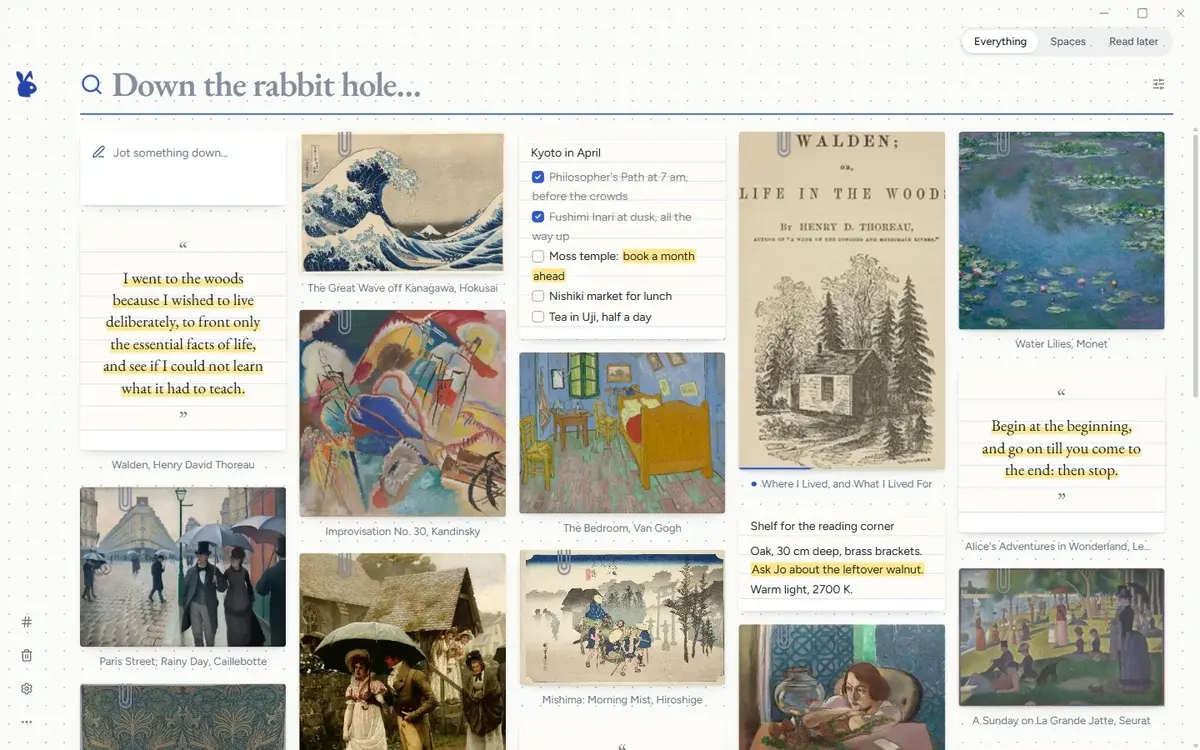
Notebook
Index cards on a dotted page
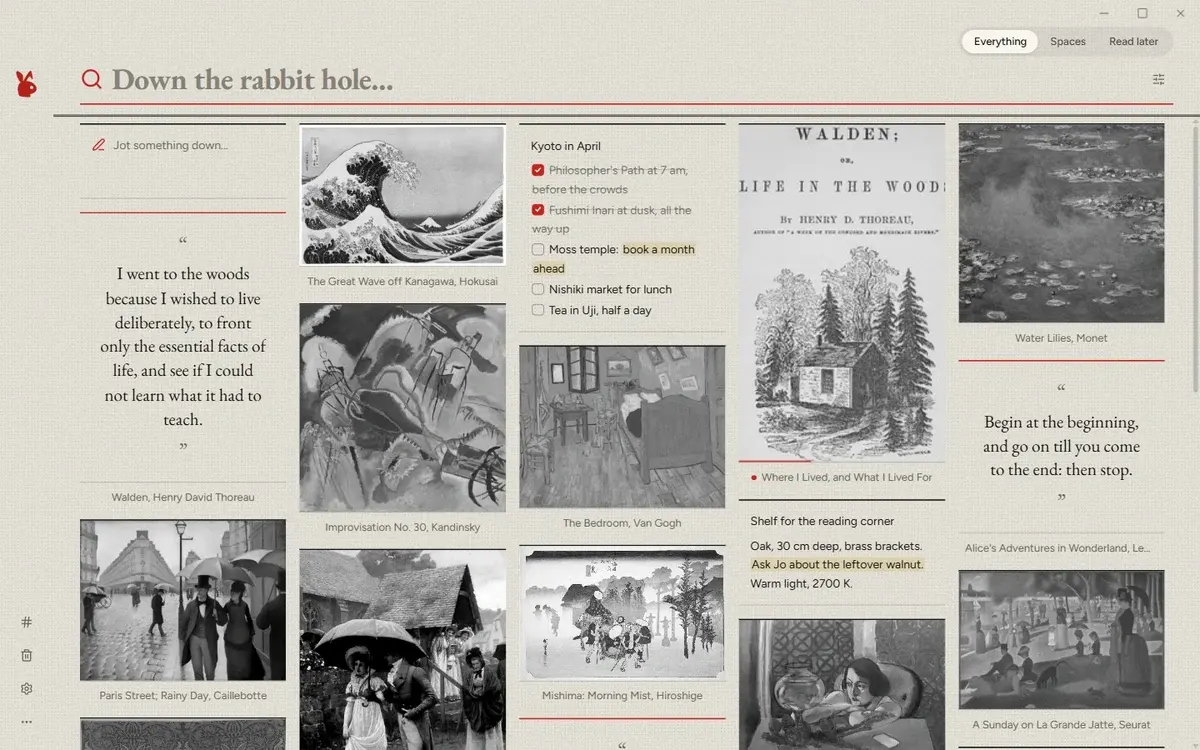
Newsprint
Ink, headlines and halftone
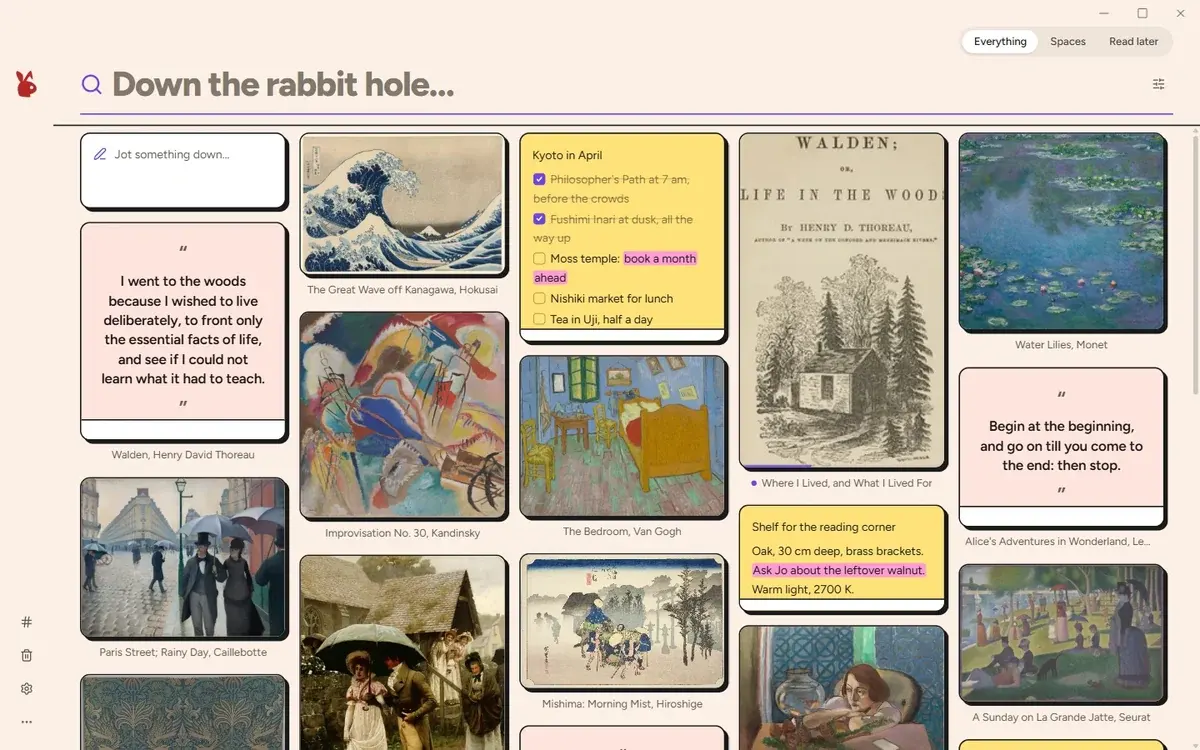
Neo Brutal
Bold outlines, hard shadows, loud color
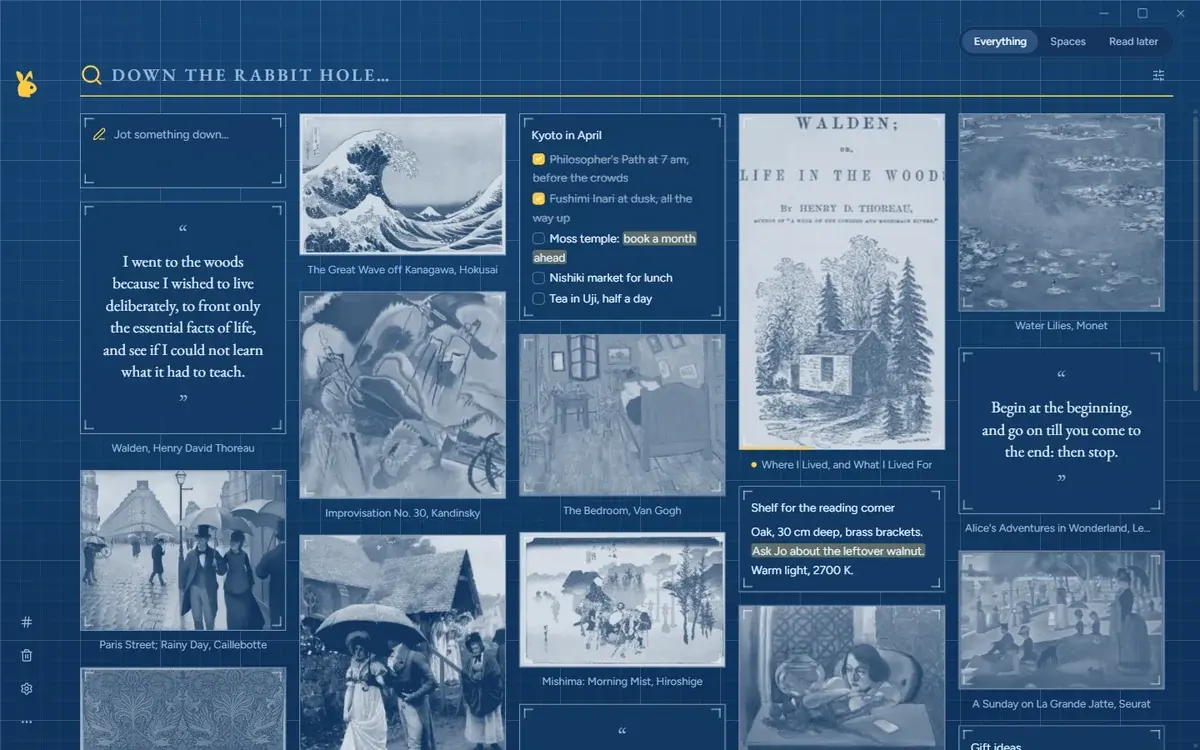
Blueprint
White lines on drafting blue
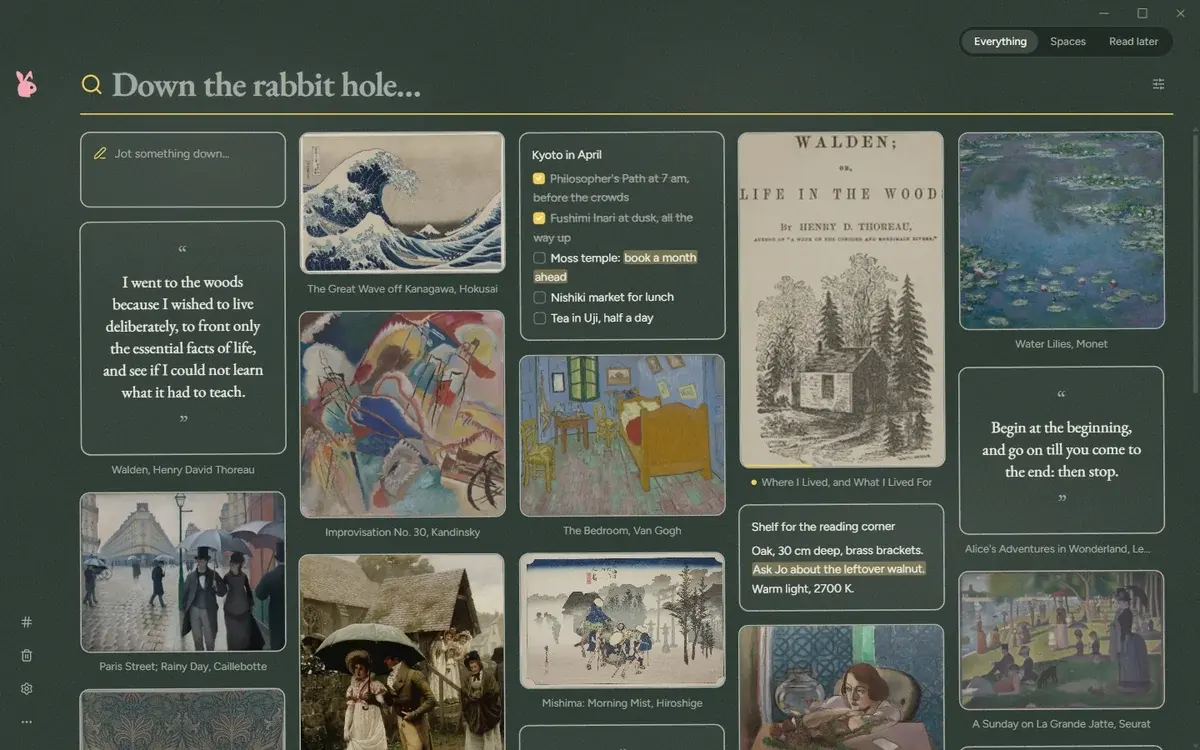
Chalkboard
Chalk on a dark slate
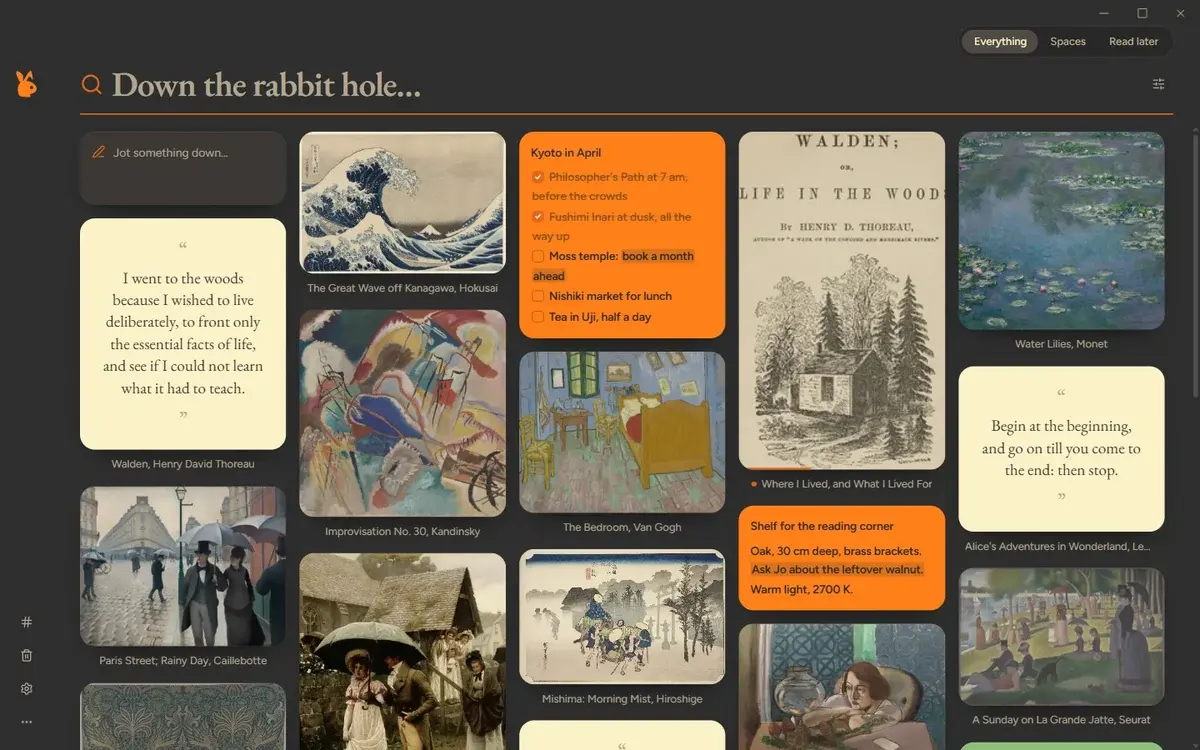
Gruvbox
Retro color tiles on dark espresso
Mozilla shut Pocket down in July 2025, and Omnivore went dark the year before. Services come and go; files stay. rabbitmind imports your Pocket export, read and unread intact, and keeps every article on your own computer.
Questions
Yes. Download it and use it for as long as you like. There is no account, trial or subscription.
Yes. Reading, searching, tagging and the AI features all work without internet. You only need a connection to save new pages from the web and to download the optional AI models once.
In a folder on your computer: Documents\rabbitmind by default, or any folder you pick, including a OneDrive, Dropbox or Google Drive folder. Each item is a plain Markdown file, so your library stays readable even without the app.
No. There is nothing to sign up for and nothing to log into. rabbitmind is an app on your computer, not a web service.
No. The AI models download once (about 220 MB for search by meaning, 1.6 GB for image descriptions and summaries) and then run entirely on your computer. Both are optional, and you can remove them in Settings.
Google Chrome, and Chromium browsers that install extensions from the Chrome Web Store, such as Microsoft Edge and Brave.
Yes. rabbitmind imports Pocket, Raindrop, Instapaper and Readwise exports, Kindle highlights (My Clippings.txt) and the bookmarks file from any browser. Read and unread states come along.
Not yet. rabbitmind runs on Windows 10 and Windows 11 today.
Both give you a calm, visual place for everything you save. mymind is a cloud service you sign in to. rabbitmind lives on your computer, works offline and keeps your library as plain files you own.
Free for Windows. A minute to set up, and everything you save stays yours.
Free · v0.9.1 · Windows 10 and 11 · 11.5 MB